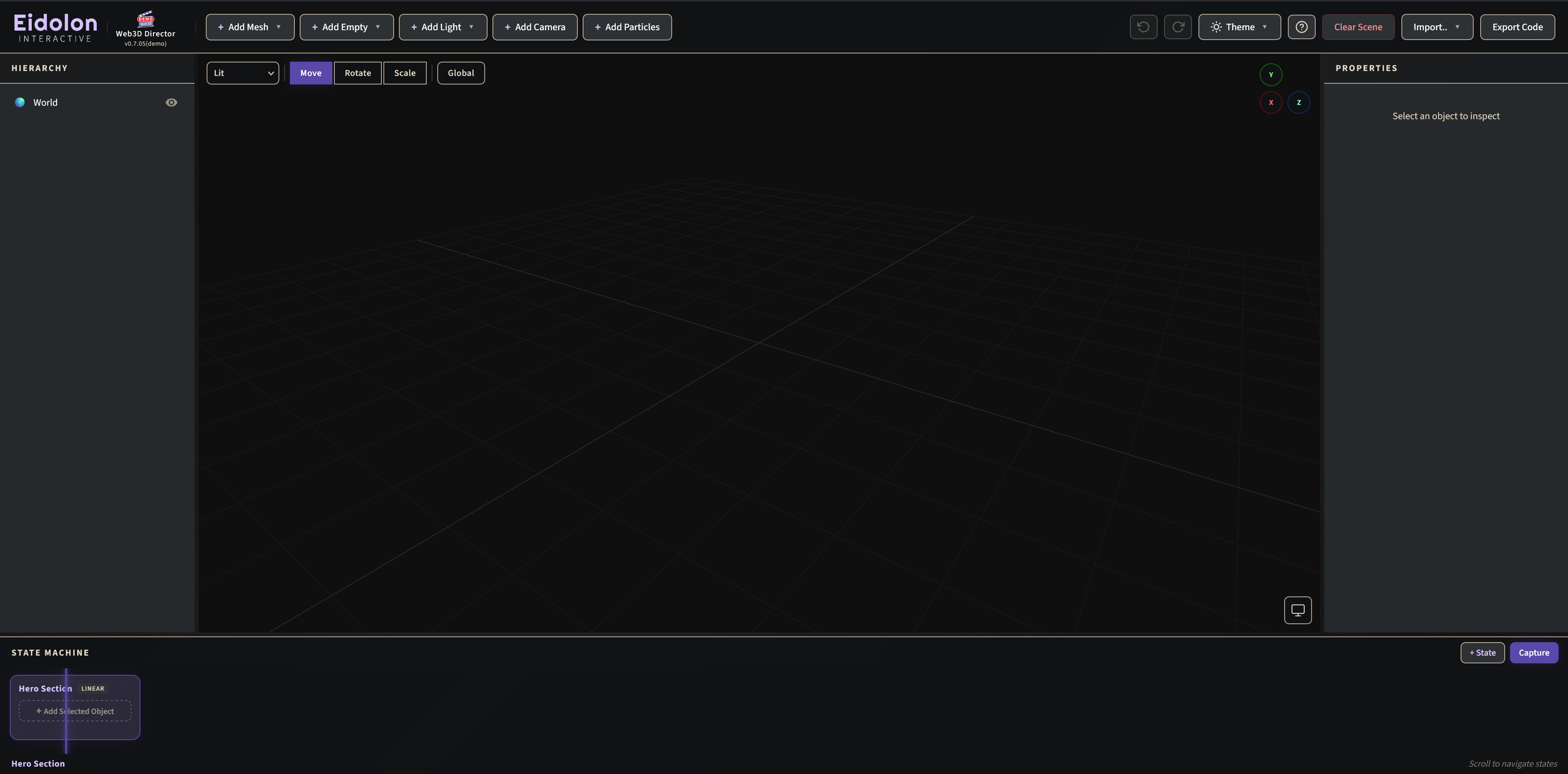
Web3D Director
A browser-native 3D-editor for spatial storytelling
An innovative browser-based 3D scene editor, built on top of three.js, that provides all the necessary tools to direct, animate, and export interactive 3D experiences in a visual way, without the need to write complex boilerplate code.
Already have an Access Code? Go to Web3D Director
Project Description
Web3D Director provides storytellers, creators and designers with a versatile 3D editing toolkit, and all the necessary building blocks, to curate an immersive and interactive narrative, that becomes easily accessible on the web.
In addition to its 3D editing capabilities, Web3D Director features an intuitive and easy-to-use direction tool, the “State Machine”, which is the heart of its animation system. Instead of traditional keyframe timelines, the author defines “States” — or snapshots — of the scene. As users scroll or trigger events, the engine seamlessly interpolates (morphs) the scene from one state to the next.

Storytelling Capabilities
Spatial & Narrative Structuring
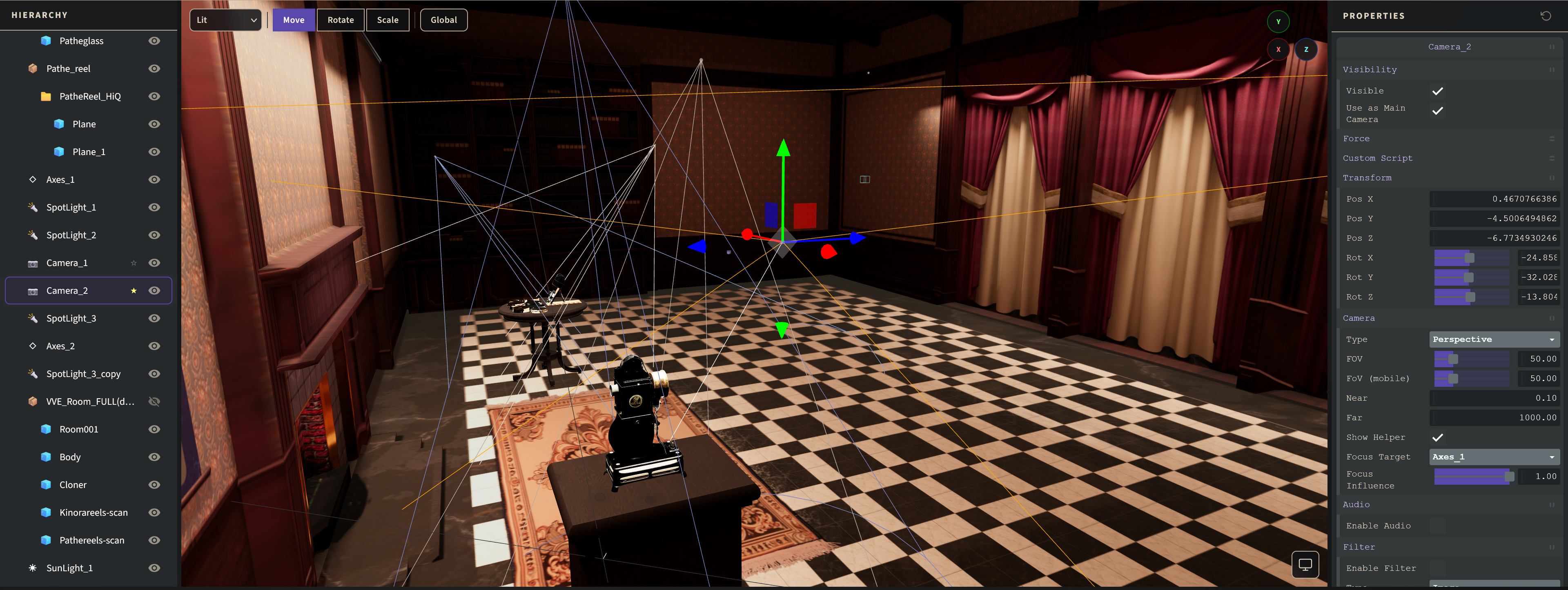
- Spatial sequencing: The path through 3D space becomes an integral part of the narrative structure. The narrative order is not only (incrementally) temporal but also spatial. Narrative fragments, in the form of text annotations, images, audio, video, and pre-recorded animations can be attached to specific objects, paths, or areas in the 3D scene.
- Guided and free exploration: Curated routes with a beginning and an end, allow visitors to wander and discover content at their own pace. The user can pause the narrative during any point for spatial exploration, interacting with objects, triggering physics simulations, video playback, animations and more.
- Hybrid animation capabilities: Scroll-driven animation (automatic or incremental) playback, mixed with interaction driven animations — via interactable objects or physics simulations.
Multi-Modal, Interactive Storytelling
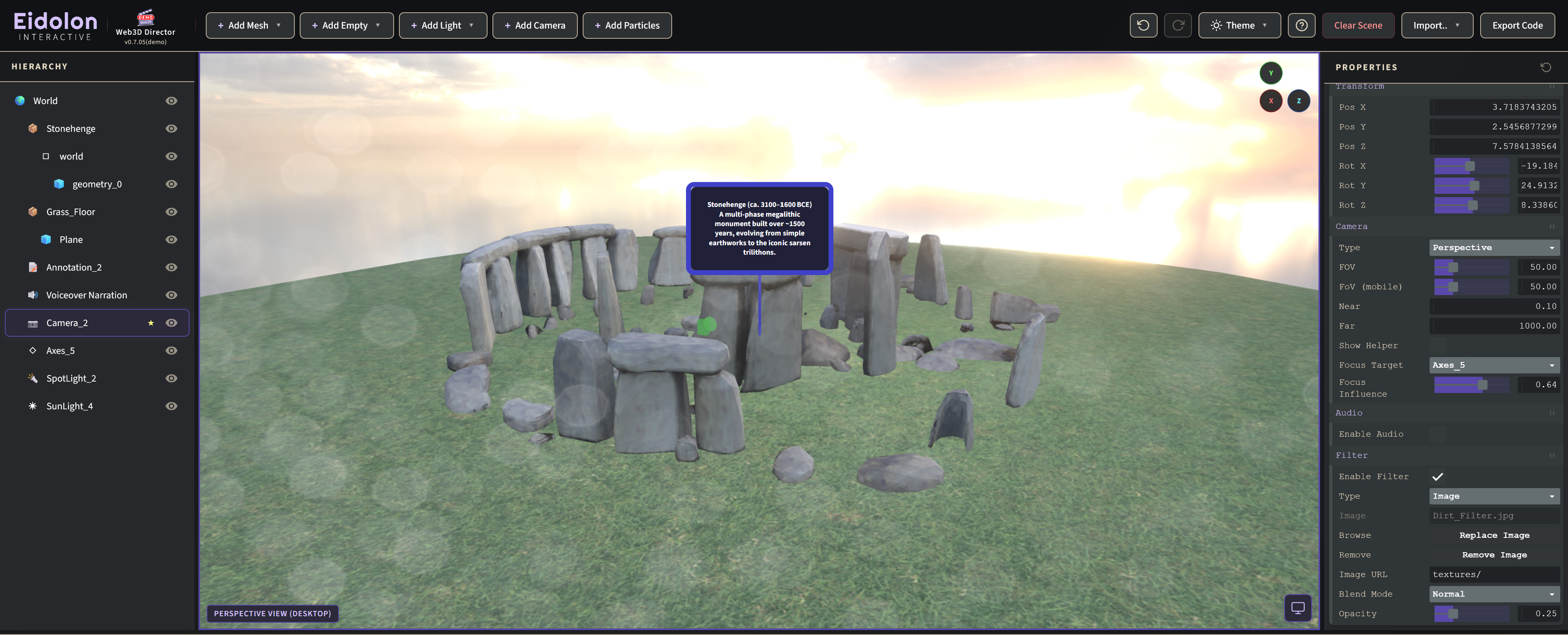
- Multi-modal narration: Combines text, imagery, soundscapes, voice-over narration, and video playback in a single immersive environment.
- Layered views: Switch between different configurations of the same locale or object (different phases, scenarios, interpretations) to see how the story unfolds.
- Multi-perspective curation: Supports the presentation of multiple narratives in parallel, foregrounding multivocality rather than collapsing perspectives into a single authoritative account.
Accessibility & Creative Empowerment
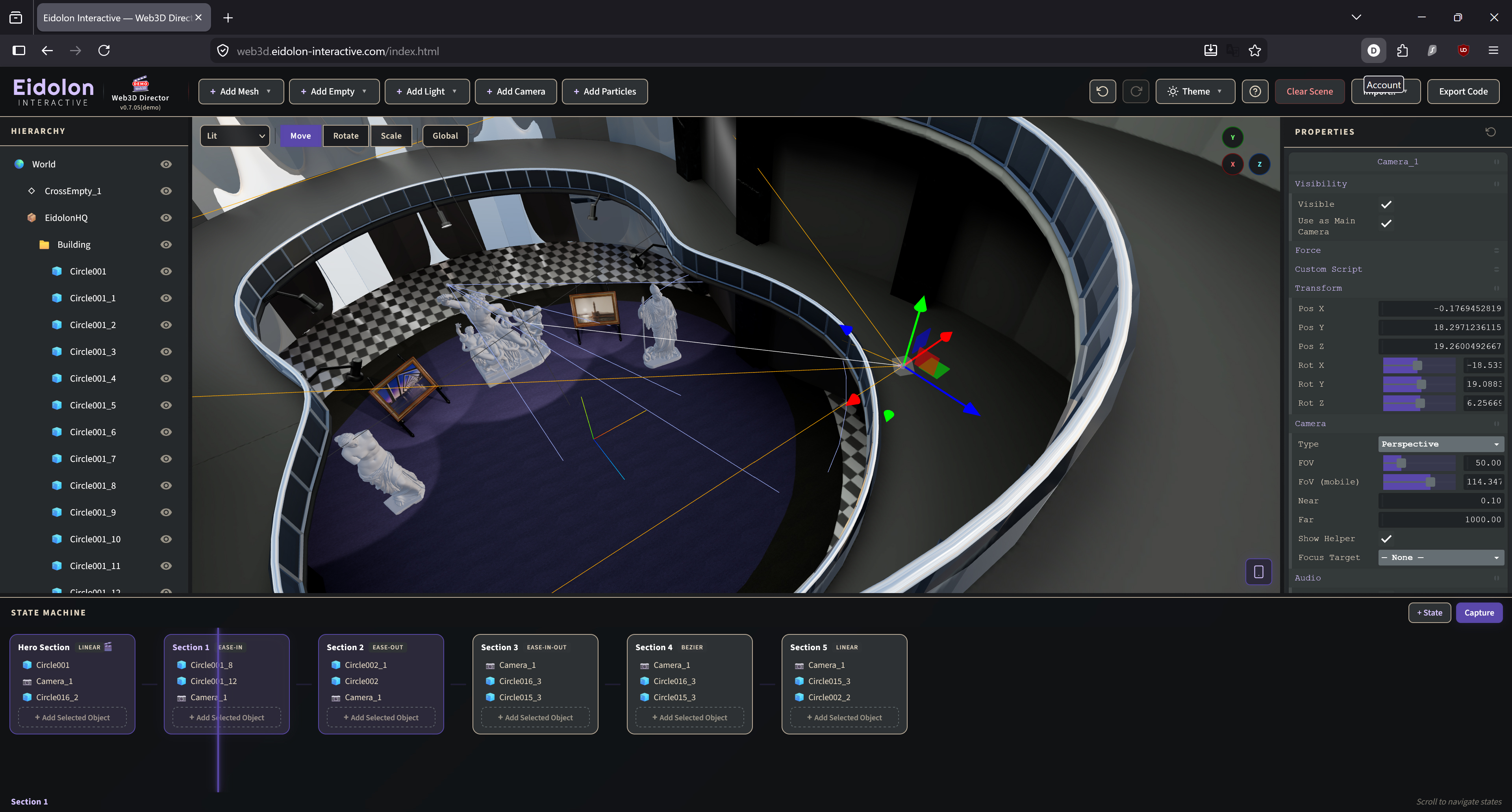
- Web Integration: The scroll-based interactivity is designed to match the navigation of most websites, thus allowing the overlay of DOM elements for embellishment or additional (transmedia) contextualization, in the final product or infrastructure.
- Intuitive workflow: Configure scenes, objects, interactions and narratives, through a minimalistic and intuitive browser-based interface, without the need for prior knowledge of professional design tools.
- Empowering the designer: By combining the editor's core engine and library capabilities with professional 3D expertise, a skilled visual artist can craft photorealistic scenes enriched with versatile interactivity, presented through immersive storytelling.
Storytelling in the Web
The accessibility offered by the web makes it an ideal platform, not only for presenting stories, but also to remotely connect them with the world. The ease-of-use-and-access of clicking a link, from any locale, on any device, to gain access to immersive and interactive storytelling, is an opportunity far too significant to overlook. The immersive narrative, powered by the most modern browser and web capabilities, becomes readily available on-demand.
Web3D Director offers cross-platform support, allowing for a side-by-side development of the experience, both for desktop and mobile devices.
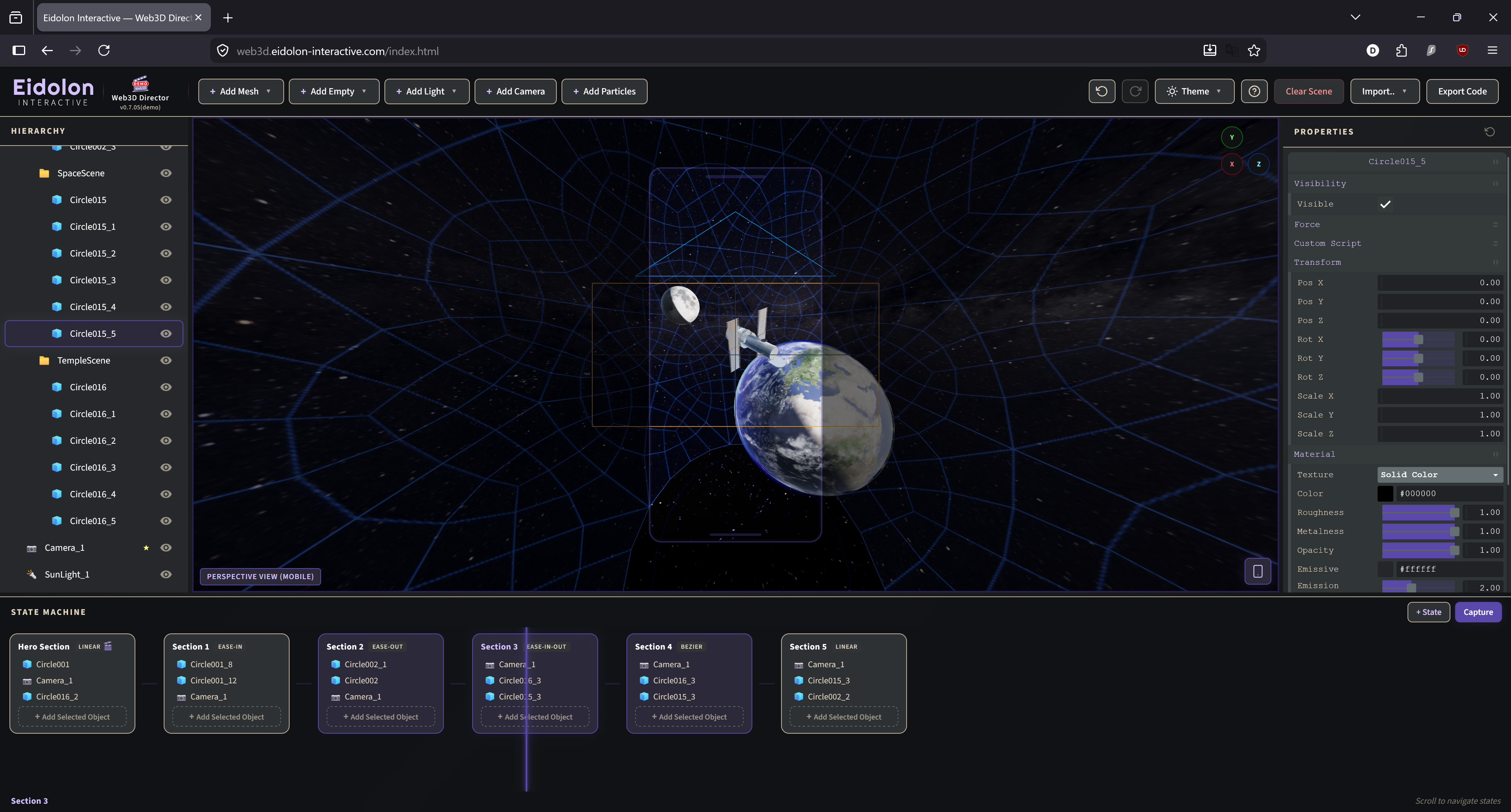
The State-of-the-Art: Web3D
While the affordances and accessibility of web-based 3D environments make them an ideal medium for digital storytelling, the ecosystem of tools for creating these experiences remains severely limited and underdeveloped. The few available tools only touch the surface of the capabilities that the web3D/webGL library has to offer.
Web3D Director offers a comprehensive toolkit built on top of the capabilities of the Three.js library, translated in a visual and designer-friendly way. Most editors provide a basic 3D scene preview and limited object-property editing, but still rely on custom scripting for all animation and interactivity, a workflow that is neither accessible nor efficient for non-specialist users.
For the full, comprehensive guide of Web3D Director, please visit the app's official help page.
Interested to learn more about the development of Web3D Director? Visit the app's UX design page.